 TabularyGuidesInstall
Practical guides for your saved tabs
Checked 13 October 2026
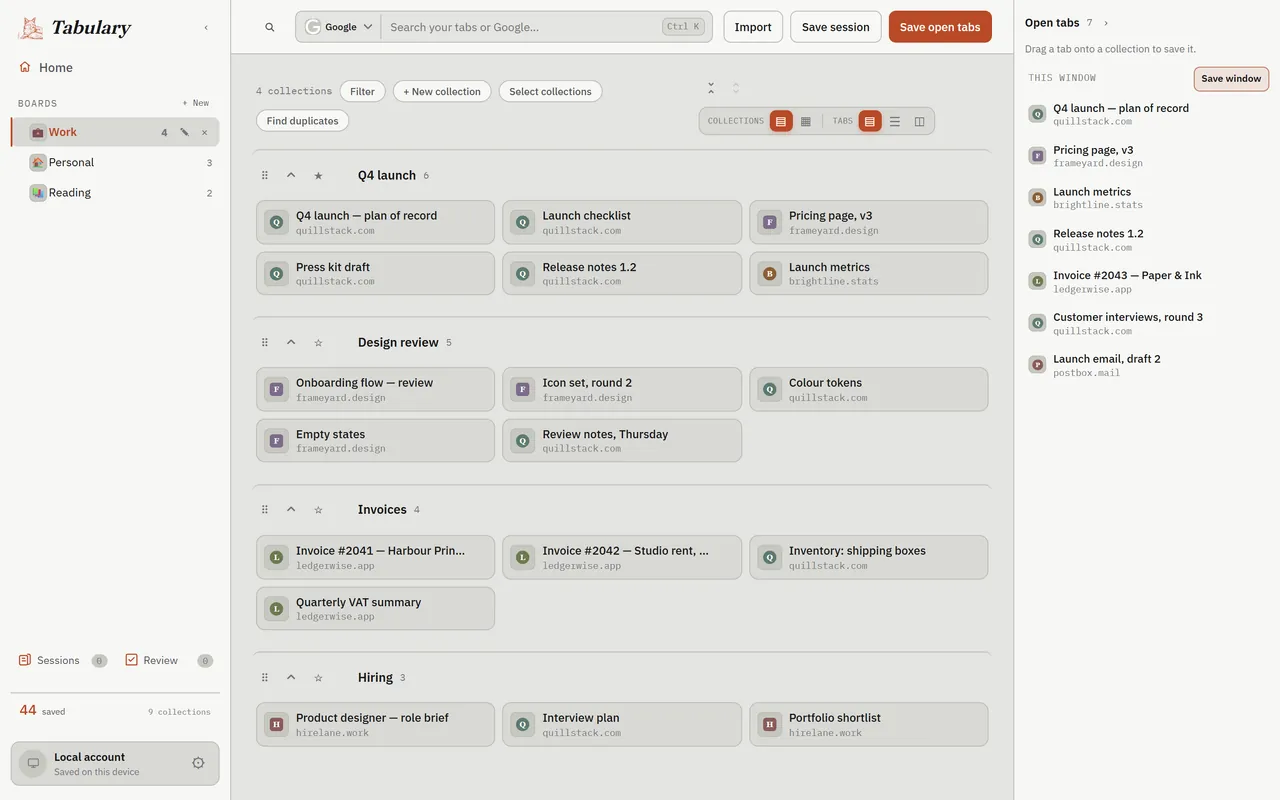
Pick the job you want to finish. Each guide uses Tabulary’s existing controls and includes a screenshot, steps and fixes for common problems.
Save all open tabs and reopen them later
Clear a busy window by saving its links into a collection. Reopen one link to check your first save.
Move from OneTab, Toby or browser bookmarks
Preview an import, choose what to keep and verify it before removing your original.
Export saved collections to a file
Keep a portable JSON copy and check it through the import preview.